Shipping View


Shipping View Tab
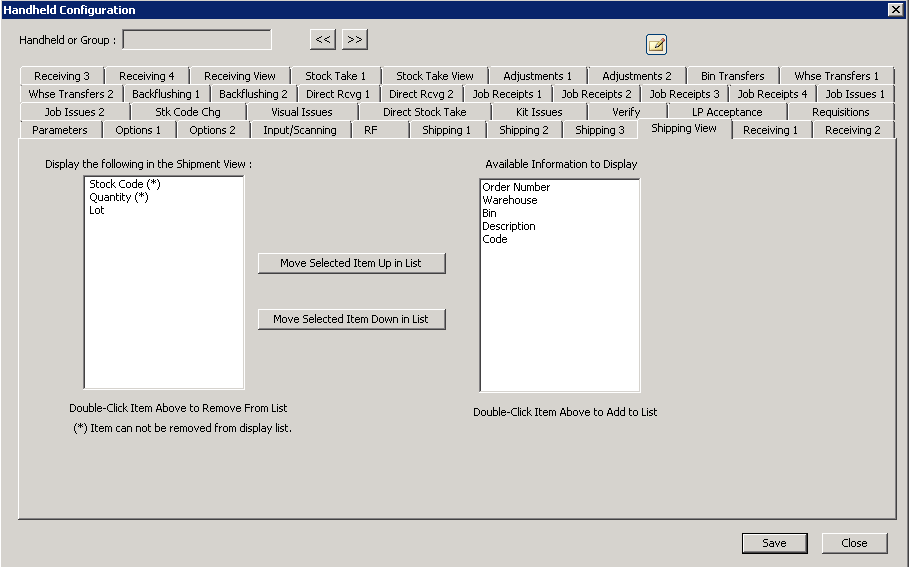
The following table outlines the prompts/options available when accessing this screen:
This "view" configuration is for setting-up the columns and order of columns to be displayed on the screen for this category of information. The purpose of these setting is to manage small screen real estate available to the handheld device.
Note: all fields followed by an asterisk (*) MUST be displayed and cannot be removed. Double-click a field name to move from one screen or back to the other.
"Code" for this screen means the "customer" code for an item.