RF


RF Tab
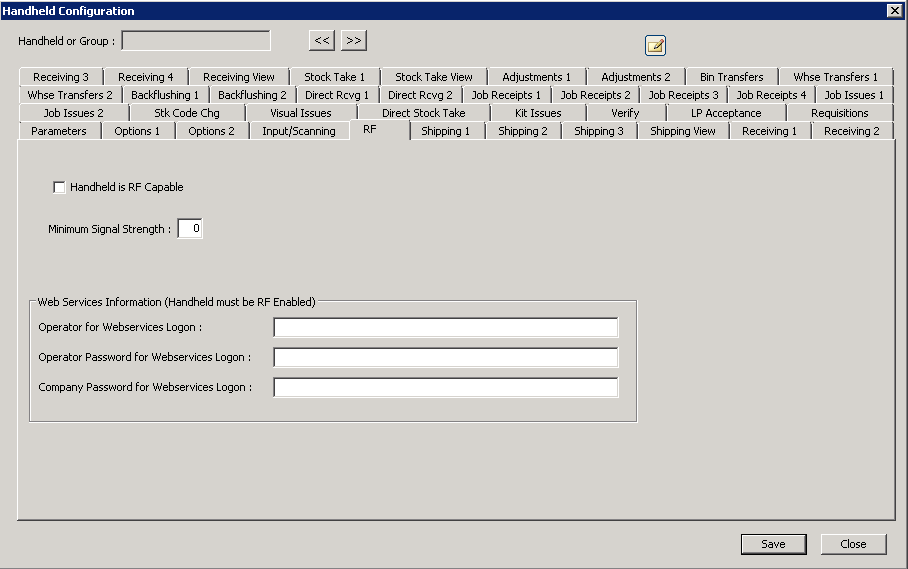
The following table outlines the prompts/options available when accessing this screen:
|
The handheld solution assumes all devices are RF-capable, so this option is not used at this time. |
Minimum Signal Strength |
If the handheld device is reporting a signal strength below this value, the operator will be warned before posting the transaction that the handheld should be moved to a location with a stronger RF signal. Note: the operator can select Help-->System in the handheld menu to view a grid display of information that includes the current RF signal value. |
The following is not used at this time. |
|
Web Services Information (Handheld must be RF Enabled) |
|
Operator for Webservices Logon: |
|
Operator Password for Webservices Logon: |
|
Company Password for Webservices Logon: |
|

