General 1


General 1 Tab
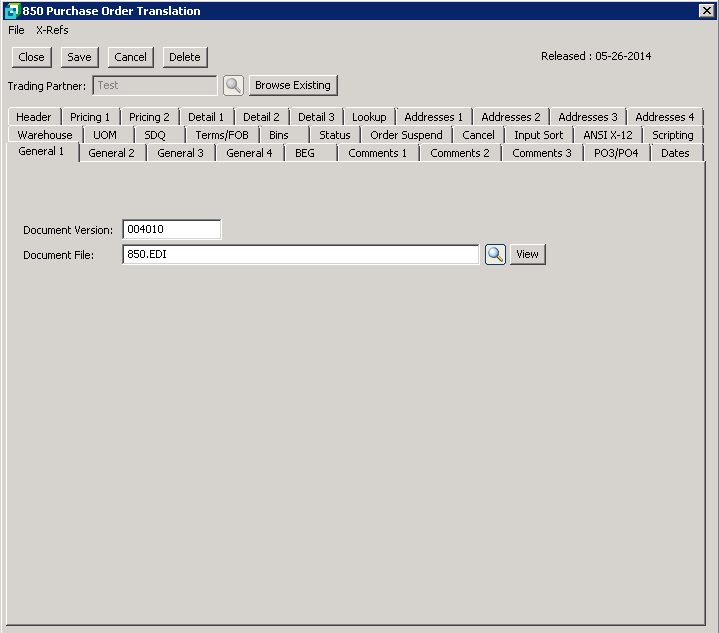
The following table outlines the prompts/options available when accessing this screen:
Document Version: |
Enter the EDI document version used by the Trading Partner. It is suggested that the leading zero's be entered (e.g. 004010) |
Document File: |
Enter the name of the import file with the full path as it appears on the server. Do not use the mapped drive designation for the workstation. The full path may be specified in ‘Data Paths’ in the EDI information setup. In this case only, the file name need be entered. |

