Parameters


Parameters Tab
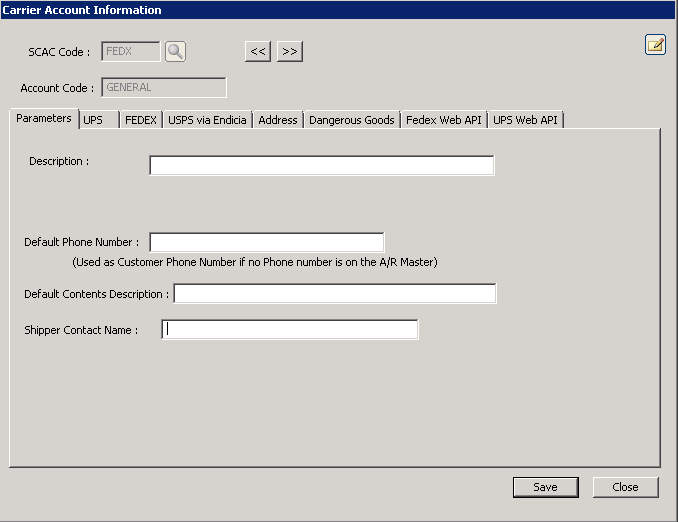
The following table outlines the prompts/options available when accessing this screen:
Description: |
Enter a description for the Carrier Account |
Default Phone Number: |
Enter the default phone number for the carrier. This is Used as Customer Phone number if no Phone number is on the A/R Master. |
(Used as Customer Phone Number if no Phone number is on the A/R Master) |
|
Default Contents Description: |
Enter a default description for the content of the items being shipped. |
Shipper Contact Name: |
Enter the name of the contact. |
