Import Options


Import Options Tab
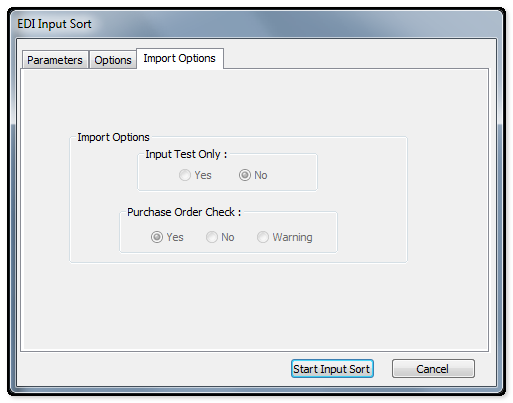
The following table outlines the prompts/options available when accessing this screen:
Import Options |
|
Input Test Only |
|
Select Yes/No to override the system defaults that have been set. |
|
|
|
|
|
Purchase Order Check |
|
Used to override the system defaults that have been set. |
|
|
Select to validate the Customer Purchase Order number for duplications. If duplications are found, the import will not be processed. This function is only active if the Duplicate PO check is activated int eh Sales Order Setup in SYSPRO Setup Options. . |
|
Select if Purchase Order validation is not required. |
|
Select to validate the Customer Purchase Order number for duplication. If a duplication is found, the import will be processed and a warning will be placed on the incoming document report. |

