EDI Import/Export Journal


EDI Import/Export Journal File Viewer Screen
This is a facility to view both incoming and outgoing document files. Double click on the required document or highlight the required document and click on ‘select’ to view the file.
To view the Import/Export Journal File, select
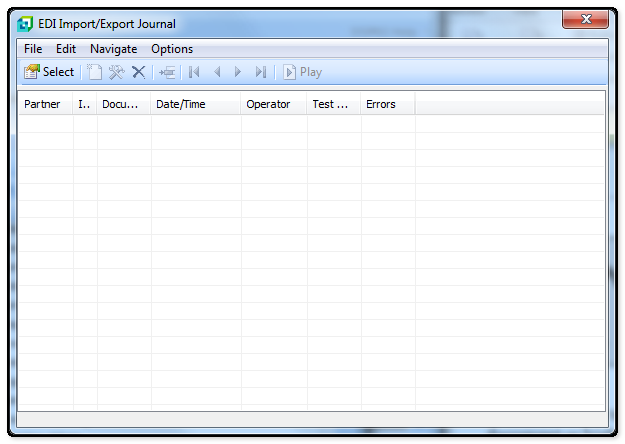
Partner |
The display will be the Trading Partner's name or also the word (Last). (Last) will indicate the last document run for the type indicated in the document column. |
I/E |
reflects if the file is an Import (Indicated by an "I") or and Export (Indicated by the "E") file |
Document |
Displays the document type. When a document is added to the Import/export Journal, it is added several times to give the user the option to view the journal either by direction (Import or Export), by trading Partner Name or by Document Number. All new records will overwrite the previous journals. A parenthesis ( ) around the document number indicates the last document of that type that was sent or received. |
Date/Time |
Shows the Date and Time the file was transmitted or received |
Operator |
Shows the operator who performed the EDI function |
Test Mode |
Reflects whether or not the incoming document file was run in test mode: "Y" = Yes, "N" = No. |
Errors |
Shows if errors or warnings were generated when running or receiving the documents. N = No errors were detected Y = Yes, errors were detected W = Indicates no errors, just a warning |