Direct Rcvg 2


Direct Receiving 2 Tab
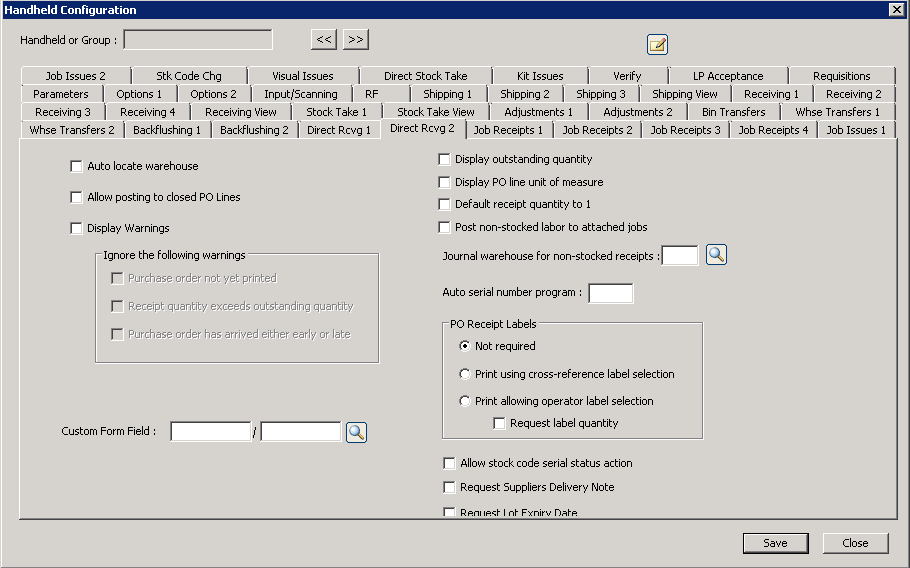
The following table outlines the prompts/options available when accessing this screen:
|
|
|
|
|
Ignore the following warnings For each of the following three options-- if the option is selected, there are no errors, and if the indicated warning is the only warning-- the handheld will automatically resubmit the transaction and disable warnings to enable it to post. Note: the previous option to "Display Warnings" must be selected before these options will work. |
|
|
|
|
|
|
|
Custom Form Field: |
|
|
|
|
|
|
|
|
Journal warehouse for non-stocked receipts: |
|
Auto serial number program: |
PO Receipt Labels |
|
|
|
|
|
|
|
|
|
|
|
|
|
|


